01
Streamlined Order Management
Automate and manage orders efficiently from dine-in, takeaway, and online channels in one unified system, reducing errors and improving service speed.
Client
Juniper Carter
Timeline
6 Months
Team
9+ Developer
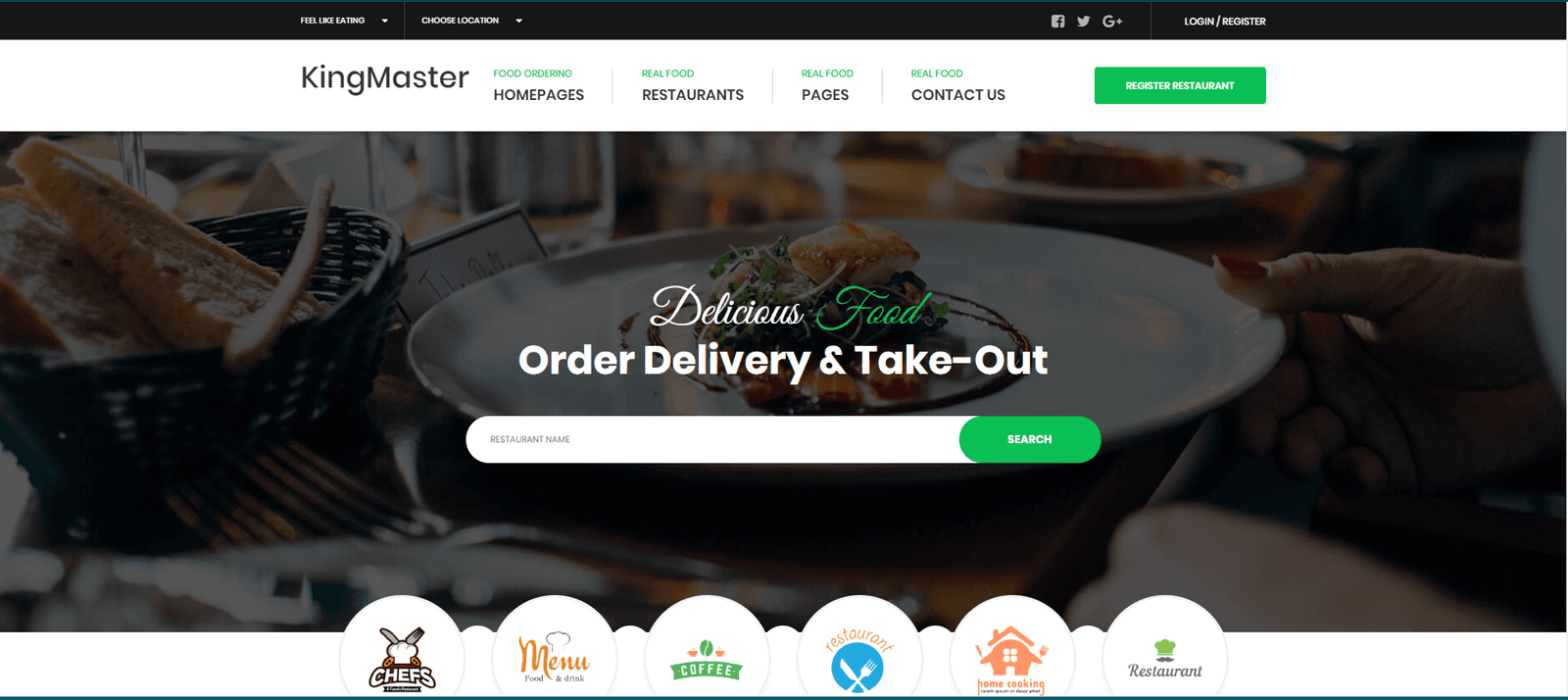
Project showcase
Interface detail, product thinking, and technical execution in one connected story.
Browse the interface, key screens, and visual details. Select any image to inspect it at full size.
A focused project view
Open the image to inspect the interface at a larger scale.
Automate and manage orders efficiently from dine-in, takeaway, and online channels in one unified system, reducing errors and improving service speed.
Real-time tracking of ingredients and supplies ensures accurate stock levels, helping prevent shortages and minimize food wastage while optimizing costs.
Simplify the reservation process with an intuitive interface for booking and managing tables, ensuring a smooth dining experience for your customers.
Effortlessly manage staff schedules, attendance, and payroll with built-in automation tools that ensure optimal workforce allocation and reduce administrative burdens.
Gain insights into your restaurant’s performance with comprehensive reports on sales, customer preferences, busiest hours, and more, enabling data-driven decision-making.
Manage multiple branches or franchise locations from one centralized system, ensuring consistent operations, reporting, and customer service across all outlets.
The work moved through deliberate stages, keeping product decisions, design quality, and engineering execution aligned.
Phase 01
Begin by identifying the specific needs of the restaurant, such as order management, table reservations, and inventory control. Collaborate with key stakeholders to outline functional and non-functional requirements that the system must meet.
Phase 02
Develop the system architecture, including front-end and back-end components, database design, and integrations with POS systems or third-party applications. Ensure the design supports scalability and multi-location management.
Phase 03
Create an intuitive and responsive interface that simplifies the process for both customers and staff. The user experience should focus on easy navigation for orders, reservations, and payment, ensuring smooth operation in high-traffic environments.
Phase 04
Build robust backend functionalities including order management, real-time inventory tracking, employee scheduling, and payment processing. Integrate with essential third-party services like payment gateways and delivery platforms.
Phase 05
Rigorously test the system for bugs, security vulnerabilities, and performance issues. Simulate real-world scenarios to ensure the system functions correctly under heavy load and provides accurate data and reports.
Phase 06
Deploy the system to the production environment, ensuring smooth integration with existing POS systems, kitchen displays, and other tools. Configure the system to meet the operational flow of the restaurant.
Phase 07
Provided comprehensive training and ongoing support to ensure adoption
Project snapshot
Timeline
6 Months
Team
9+ Developer
Client
Juniper Carter
Its Awesome Delivery, Thanks MavenOutline Teams
Juniper Carter
Gym Owner